Magento 2.x – Move Logo from header content to panel header
If you are using a brand new Magento installation, you have to bear in mind, that you will need to create a new custom theme following below instructions.
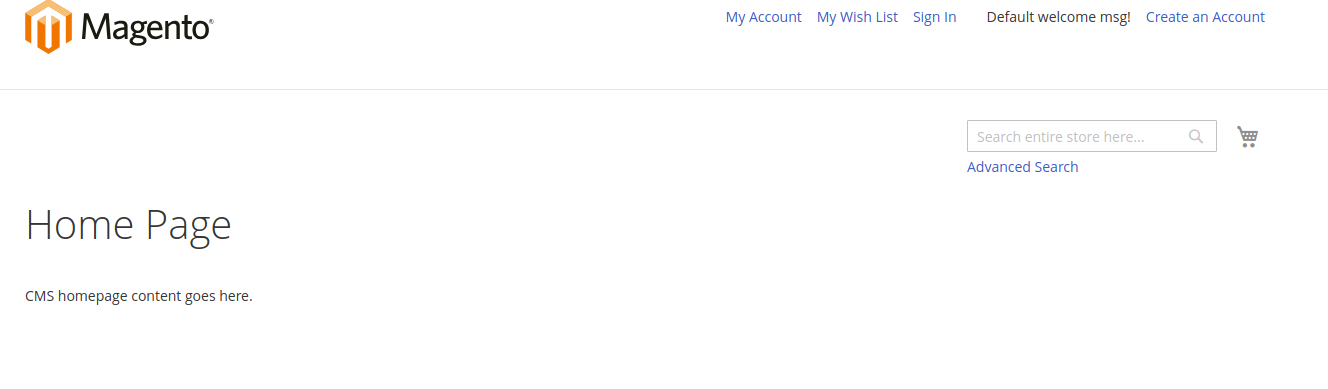
Then, If you already have a custom theme, and your logo is in the content panel like this one:
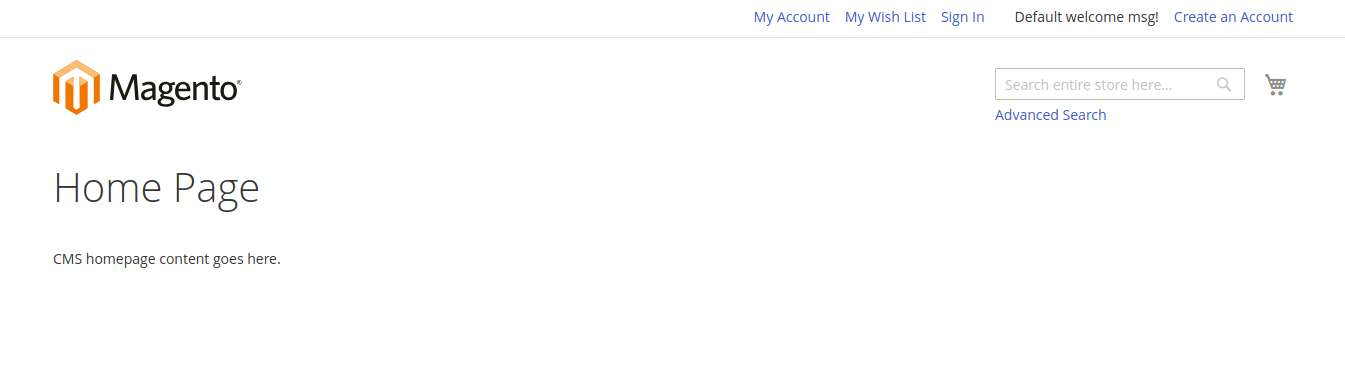
You need to do the following:
- Create your custom theme by inheriting the default Luma or Blank theme at below location (if you are not using a custom theme)
1Magento_root/app/design/frontend/{Vendor}/{packeage}
You can refer this link: M2 – Create a new custom theme - Create default.xml at below location
1Magento_root/app/design/frontend/{Vendor}/{packeage}/Magento_Theme/layout/default.xml
In your default.xml file put the below given code there
123456<?xml version="1.0"?><page layout="3columns" xmlns:xsi="http://www.w3.org/2001/XMLSchema-instance" xsi:noNamespaceSchemaLocation="urn:magento:framework:View/Layout/etc/page_configuration.xsd"><body><move element="logo" destination="header.panel" before="header.links"/></body></page> - Clean cache and the logo should be moved.
1php bin/magento cache:flush